
NotePad++ fell victim to an attack on its automatic update system
On Monday, February 2, 2026, Don Ho, author of NotePad++, indicated that updates distributed by his automatic update system (also known as the “auto-update system”) were infiltrated by hackers. Any NotePad++ user who updated using the “Update NotePad++” menu between June 2025 and December 2025 should consider their workstation potentially compromised and perform an antivirus scan.
Customers who installed updates via CoreUpdate are not impacted.
The CoreUpdate team presents a technical summary of this news, which perfectly illustrates supply chain attacks.
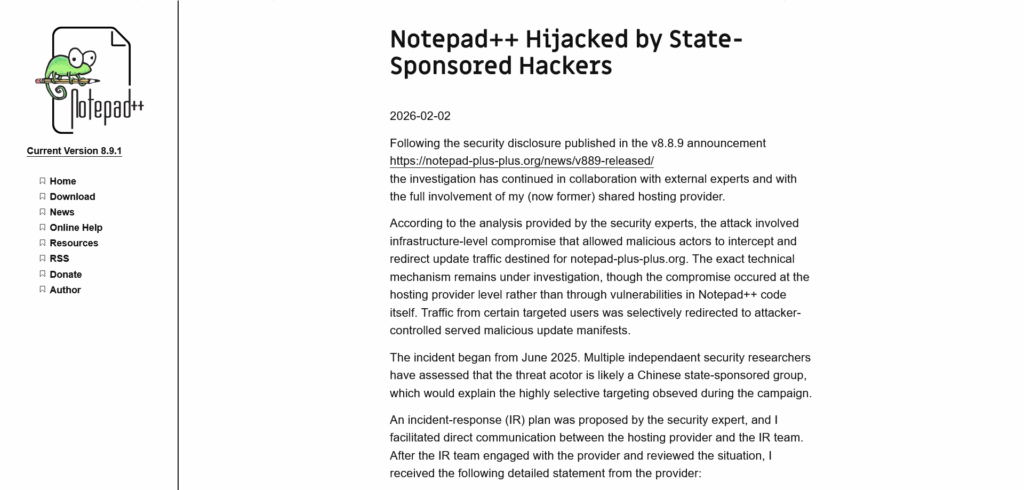
Excerpt from the article dated February 2, 2026
How was the NotePad++ automatic update system compromised?
NotePad++ has an automatic update system built using the WinGUp (Windows Generic Updater) component.
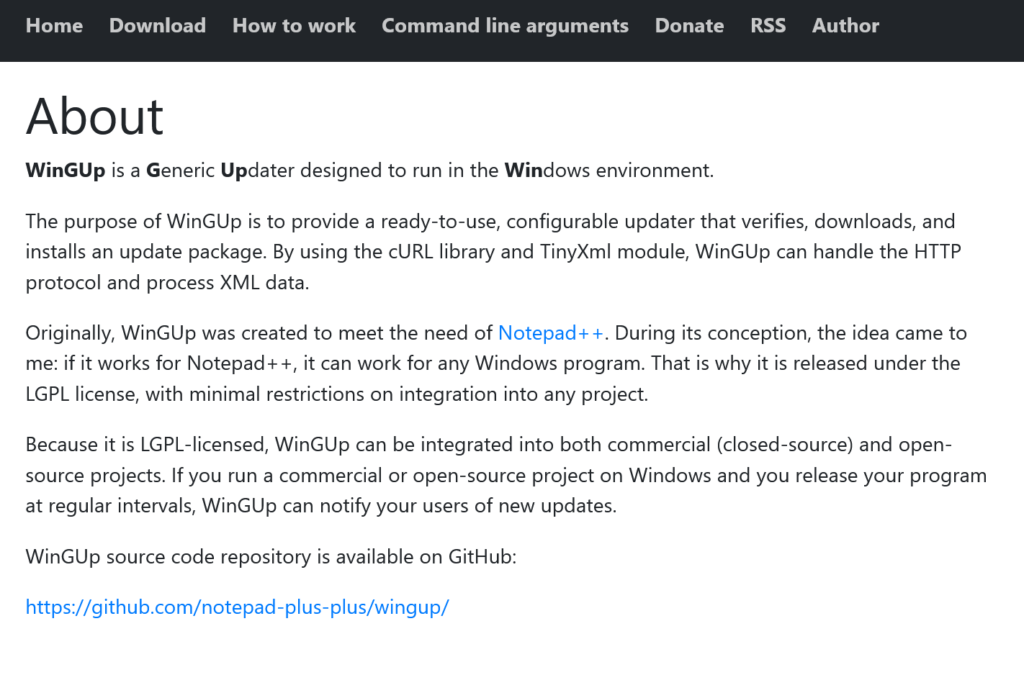
WinGUp facilitates the implementation of automatic updates with a system of HTTP calls to a URL. This URL then provides information on available updates and where to retrieve them.
In the case of NotePad++, WinGUp was configured to retrieve this information from https://notepad-plus-plus.org/update/getDownloadUrl.php, in an XML file.
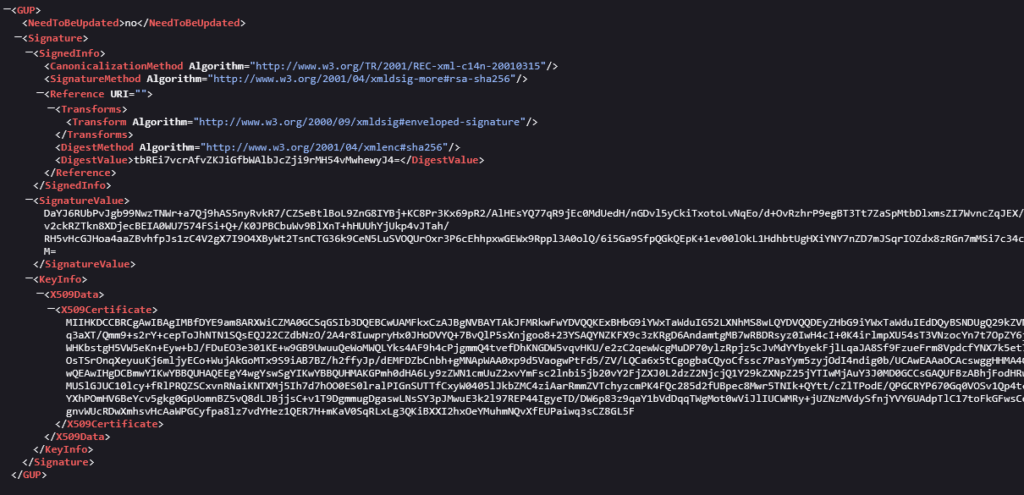
This XML file is generated on the fly, based on a version and system architecture passed as parameters. For example, a call to https://notepad-plus-plus.org/update/getDownloadUrl.php?version=8.6.5¶m=x64 will result in this (note the NeedToBeUpdated and Location attributes):
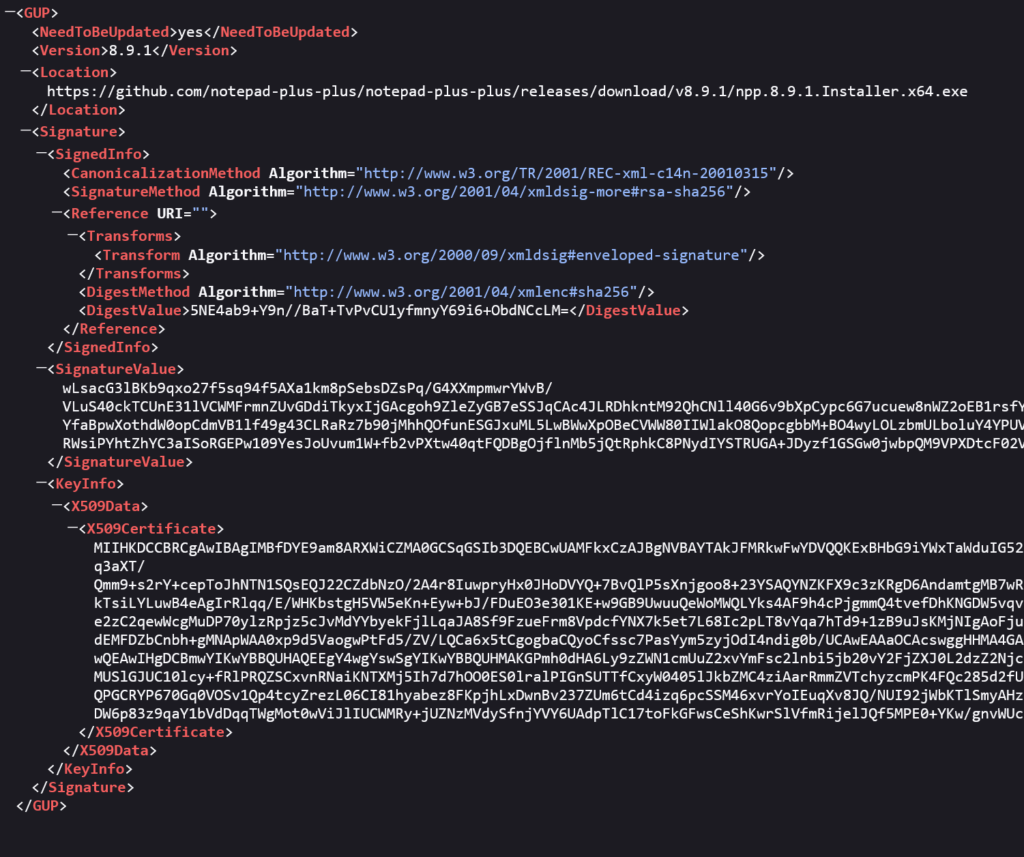
If the XML response says an update is required (NeedToBeUpdated), WinGUp downloads the update using the link provided (“Location” field), places it in a temporary directory, and then installs it.
Anyone who controls the response made to WinGUp also controls the “Location” field, and can therefore force a computer to retrieve a malicious file.
However, the update retrieval system made an HTTP call to the NotePad++ site, not HTTPS. Similarly, the XML response system was on a shared hosting environment where other customers could write. These shortcomings allowed hackers to hijack part of the original site’s traffic and generate fake XML responses via a “man-in-the-middle” (MITM) attack.
Thus, hackers intercepted requests made by the NotePad++ WinGUp automatic update system, sent a fake XML file with a “Location” tag leading to a malicious program, and NotePad++ was compromised.
Were NotePad++ updates signed?
NotePad++ updates were signed, which should have limited this type of attack. However, since version 8.8.3, this signing approach relied on a self-signed certificate. This signing mechanism therefore provided no real protection, and a self-signed malicious binary could just as easily be accepted.
The author of NotePad++ recommended importing this self-signed certificate into the system’s trusted authorities to strengthen overall security, but this initiative was not widely followed and the project switched back to a third-party validated certificate (GlobalSign) with version 8.8.7.
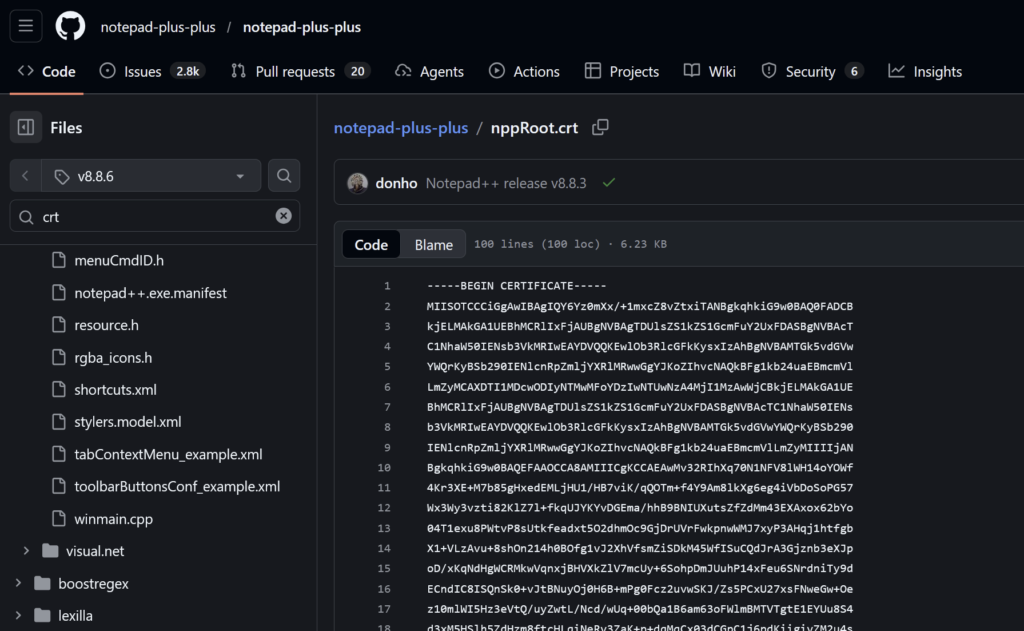
Excerpt from the nppRoot.crt certificate on GitHub, which users needed to import as a trusted authority to reduce their risks
Is my workstation compromised by a malicious NotePad++ update?
The security incident that compromised the NotePad++ update system was reported in June 2025 and continued until December 2, 2025.
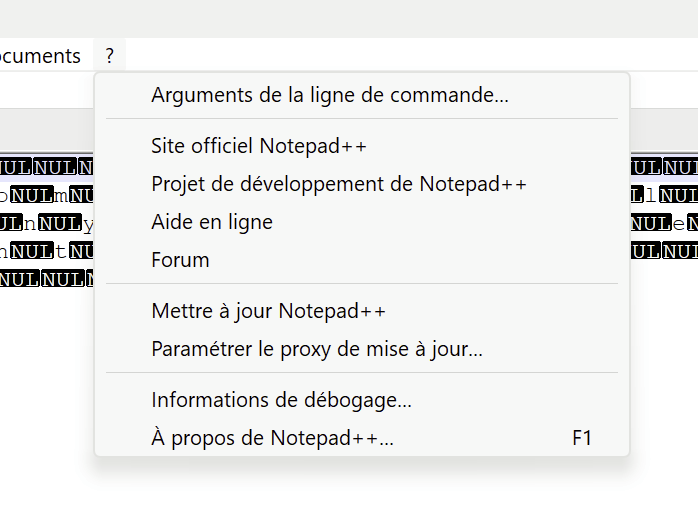
Any automatic update applied using the “? > Update NotePad++” menu during this period may have resulted in the installation of a malicious file.
Indicators that a workstation has been compromised by a NotePad++ update are:
- for the gup.exe file (WinGUp executable):
- HTTP calls to sites other than notepad-plus-plus.org, github.com, and release-assets.githubusercontent.com;
- started processes other than explorer.exe or npp
; - unsigned started processes.
- presence of update.exe or AutoUpdater.exe files on the disk that trigger antivirus alerts;
- calls to a temp.sh domain.
For those who prefer technical markers, Rapid7 provides indicators of compromise in the form of digital fingerprints in its blog post on the attack, dubbed Chrysalis.
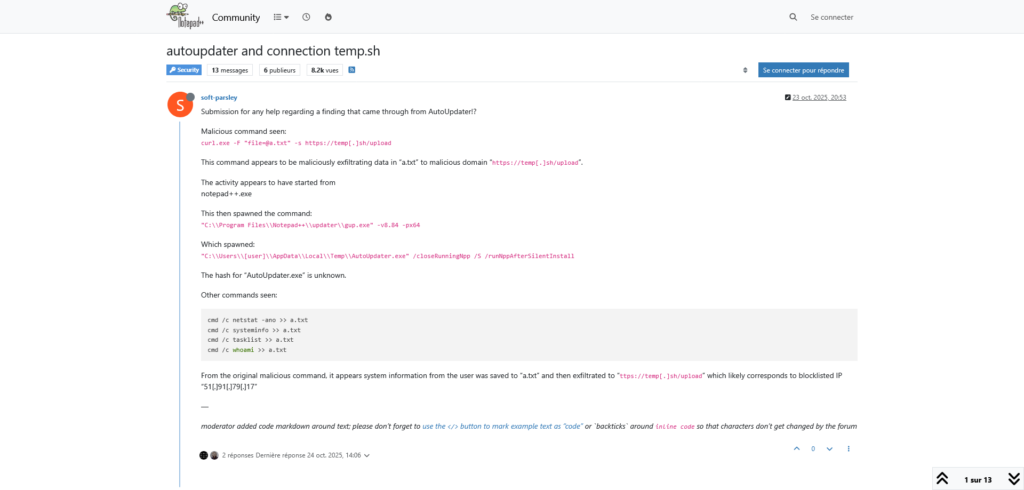
Note, however, that researcher Kevin Beaumont states, in an excellent technical article, that the victims of this attack were highly targeted and had links to East Asia.
I use CoreUpdate. Am I impacted?
CoreUpdate retrieves its updates from GitHub, runs antivirus checks, tests the programs, and then deploys them to its customers using Microsoft Intune or via its Universal Agent.
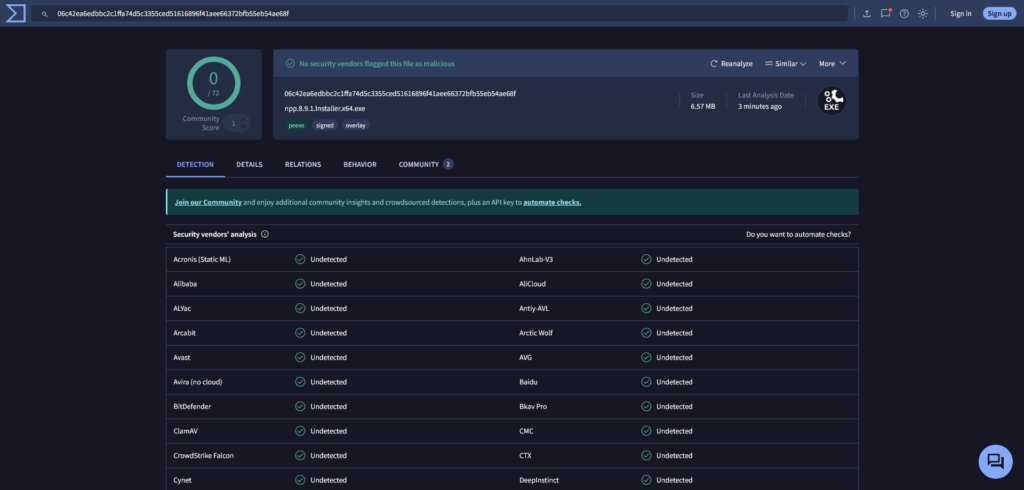
NotePad++ updates provided by GitHub are not compromised according to available information. Our NotePad++ updates also show no risk according to VirusTotal.
For any technical questions, or to request a demo of CoreUpdate, please do not hesitate to contact our experts at contact@env-coreupdate-staging.kinsta.cloud.
Revision History
Monday, February 2, 7:50 PM: initial publication
Tuesday, February 3, 10:32 PM: updated following discussions with others on Reddit (thanks tortridge), added a link to technical IOCs